Universal channel
A GSM call, a signed webhook, or a direct WebSocket — mix them freely in a single setup.
Open gates, doors, locks, intercoms, safes and your car
Automatically or with a tap in the app
Entrixy sends the “open” signal — by phone call, over the network or over Bluetooth. Then your hardware does the rest.
If your device opens on a phone call, Entrixy dials its number for you — on approach or on tap. Just enter the number once.
Locks, automated gates, intercoms, controllers — Entrixy sends a signed command and your device opens. For a DIY ESP32/ESP8266 controller there is a firmware configurator right in your browser.
Opening triggers itself: on approach (geofence), when you connect to Wi-Fi, or on a schedule. Conditions can be combined.
Ready-made examples for 10+ platforms — from ESP32 and Raspberry Pi to Home Assistant and Tasmota. A working webhook in 5 minutes.
Works, if your device opens on a phone call — or can be wired up via webhook / WebSocket. Does not work, if it can only be controlled through the manufacturer's closed app with no way to connect a webhook or a controller.
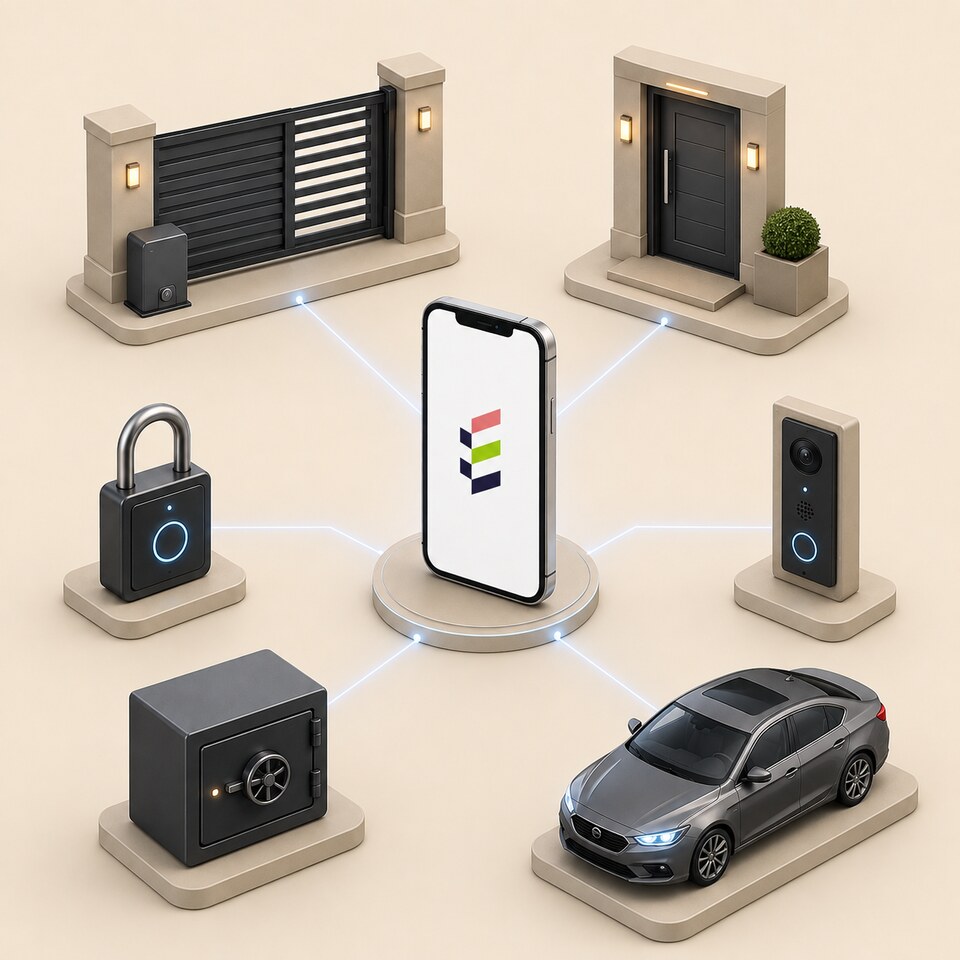

Everything for everyday access — in one app.
A GSM call, a signed webhook, or a direct WebSocket — mix them freely in a single setup.
Conditions combine with 'and' / 'or': geofence radius, a set of Wi-Fi networks, a weekly schedule. Adaptive GPS keeps your battery alive.
The number to call and the address for opening over the internet are kept only on your phone, unless you have the server send the request. Everything else is encrypted on the phone, and the server sees only encrypted data.
One tap and your guest has access. Rights are set per object: how it opens, video, automation. Revoking takes one tap too.
Add a 4–8 digit PIN or a fingerprint and Face Unlock to any rule. Protection against accidental opening while the phone is in your pocket.
Add your IP camera's address and see who's there before you open. Every guest of the object sees the camera too.
From install to your first opening — a couple of minutes.
Install the app using the button above. Permissions are requested only for what you actually use.
Enter the device number or attach your smart-home webhook, then set an opening condition.
One tap and the guest QR is ready. A guest connects in a minute, and revoking takes one tap too.
Send a guest a QR code or a link — they open it on their own phone and get access to the chosen object. You choose the objects, and access can be revoked at any time.
Everything you need to know before installing.
Four channel types: GSM dial-out (barriers, gates and garage openers with a GSM module answer a call from a whitelisted number — millions of installs across Russia and the CIS), Bluetooth (BLE) for opening up close without the internet — the phone talks to the controller directly, an HTTP webhook with an HMAC signature (Home Assistant, Sputnik, Rubetek, Yandex Alice and any automation with an HTTP API), and WebSocket for DIY controllers (ESP32, Raspberry Pi, access-control systems). You can mix them in a single setup.
When auto-conditions are on (geofence / Wi-Fi / time), the app runs as a background service with a persistent notification. Xiaomi, Huawei, Oppo and Vivo ROMs aggressively close such services; the app includes step-by-step help — turn off battery optimization and enable autostart for Entrixy just once.
A guest key is a QR code or a link. For every automation parameter the owner picks one of three levels: the guest decides, the owner recommends, or the owner locks it in. Video streaming and opening mode are enabled per object. Revoking is one tap.
The number to call and the webhook address and secret never leave the owner's phone. The server keeps the webhook address and secret only when you choose to send the webhook from the server, so that it can send it. The other sensitive fields (coordinates, camera URL, set of Wi-Fi networks) are encrypted on the owner's device with the object key (AES-256-GCM), and only an encrypted packet reaches the server. When the owner shares access with a guest, the key is passed inside an encrypted parcel. The server sees that a key opened an object and when, but not the object names, numbers or addresses.
Free. No subscriptions, no sign-up, no ads. Entrixy stores neither your numbers nor your geofences — there is nothing to monetize by selling data. The server side is minimal: relaying encrypted data and push notifications. The project runs on the author's enthusiasm.


Installed the app, added an object, set a condition. Done.